Code 128 Barcode Issues with Oracle BI Publisher
We were recently having problems with Code 128 barcodes in Oracle BI Publisher (AKA: XML Publisher; AKA: Analytics Publisher) within Oracle EBS (E-Business Suite). After a patch, the barcodes would show these accented I (Ì Î) characters at the beginning and end of the Code128 barcode.
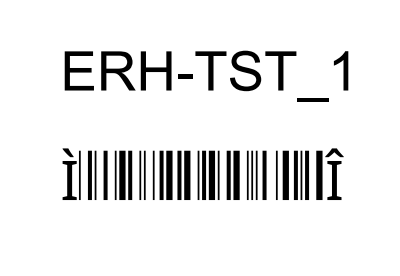
Our instance used the Oracle Out-of-Box, or seeded, Code128 barcode font: 128R00.ttf
When investigating the issue, we ran into another bug where Microsoft Word would show these windings type symbols when displaying the properties of the barcode element:
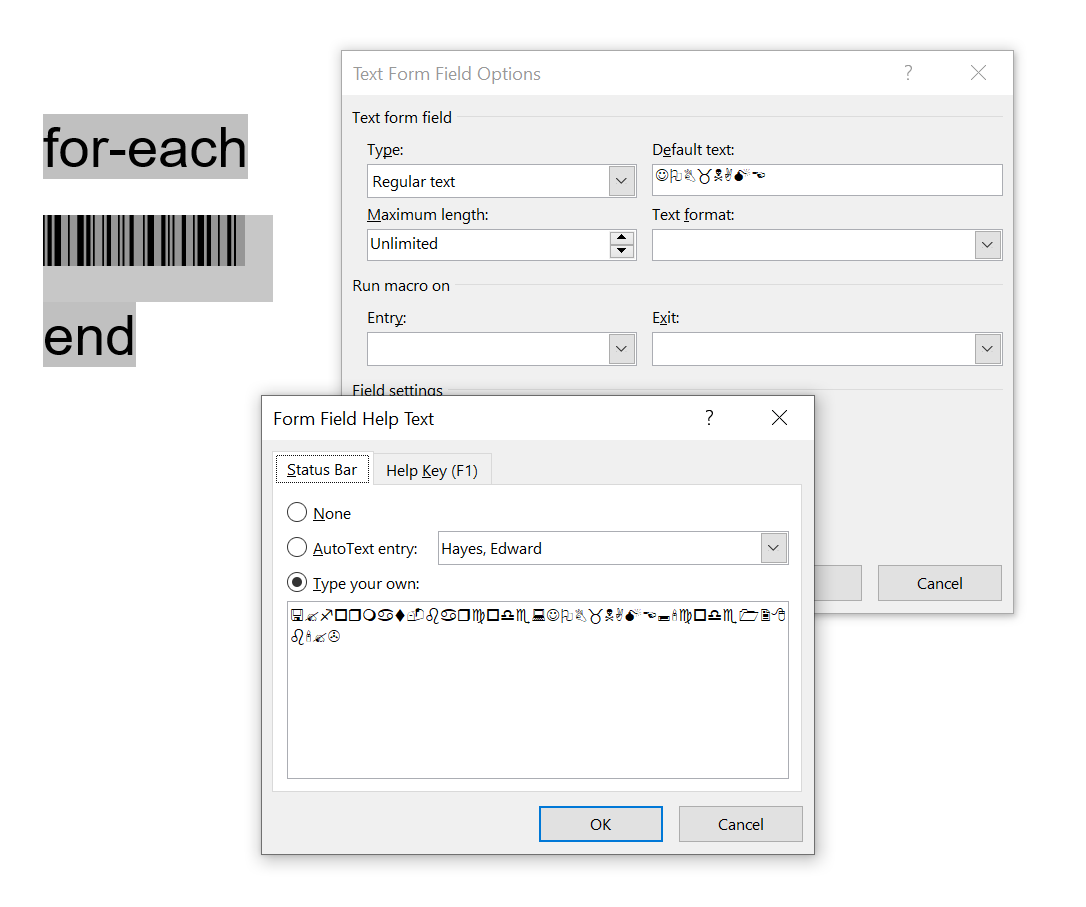
Oracle’s support had a document that describes a solution.
Barcode Font File 128R00.ttf Properties in Template Show Junk Characters (Doc ID 2317123.1)
The document says to fix the windings symbols, recreate the barcode element in another font, and then apply the Code128 font again.
But that’s only temporary. Saving and re-opening the template causes the problem to resurface. Not acceptable.
I found that the IDAutomation Code128 font does not have these issues. Adding the font to EBS, adding into my Windows system, and creating a template with this alternate font, solved the problem.
Another Alternative font is Libre Barcode 128 which is functional in EBS and Word. Licensing for this font is free for commercial use. It also seems that this is supported by Oracle.
 ED HAYES